Custom Loading Screens
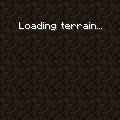
The dimension switching screen.
Custom Loading Screens define the screen when changing worlds, loading a world, starting the game, or reloading datapacks.
File location
/assets/minecraft/optifine/gui/loading/loading.properties
Custom loading screen backgrounds per dimension can be defined as: /assets/minecraft/optifine/gui/loading/background<DIM>.png
Where <DIM> is the dimension ID:
1: End0: Overworld-1: Nether
Note
Mods may extend this ID list.
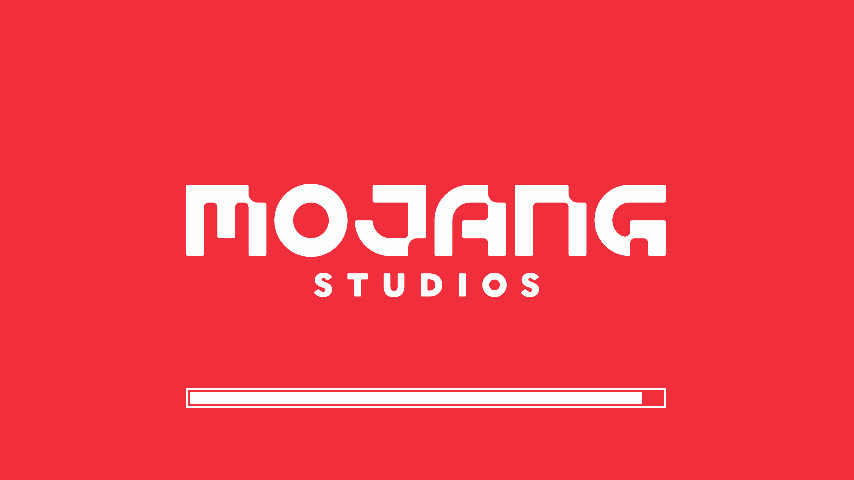
The Vanilla loading screen since 1.16.
Properties
Note
The properties scaleMode, scale, and center can also be configured per dimension:
dim<dim>.scaleMode=<fixed|full|stretch>
dim<dim>.scale=2
dim<dim>.center=<true|false>
- scaleMode
Custom scale mode for the background texture:
fixed: use fixed scale, pixel for pixel (default).full: fullscreen, keep aspect ratio.stretch: fullscreen, stretch picture.
- scale
Custom scale for the background texture.
For scale mode
fixed, it defines the pixel scale to use. This is combined with the current GUI scale.For scale modes
fullandstretch, it defines how many tiled textures should fit on the screen.
- center
Defines if the background texture should be centered on the screen.